Time flies when you're tearing through the Mexican countryside at 200 mph, and even in 2026, Forza Horizon 5 remains the undisputed king of automotive mayhem. Over the years, the game has piled on updates, expansions, and enough wheelspin fodder to fill a virtual landfill. Yet one aspect of driving etiquette still leaves drivers scratching their helmets: the humble car horn. It’s not just a way to annoy your convoy friends anymore—it's a statement. Among the rainbow of customization options, the car horn sits proudly as the most audible badge of personality. Want to serenade a passing Mustang with the opening notes of the Halo theme? Doable. Prefer to blast the Microsoft Teams notification during a tense street race and watch your rivals brake-check you in confusion? Also doable. But here’s the kicker: the game has never made it terribly clear how to actually honk. Some players spent their first hours convinced their controller was broken, only to accidentally discover the right button while sneezing mid-drift.
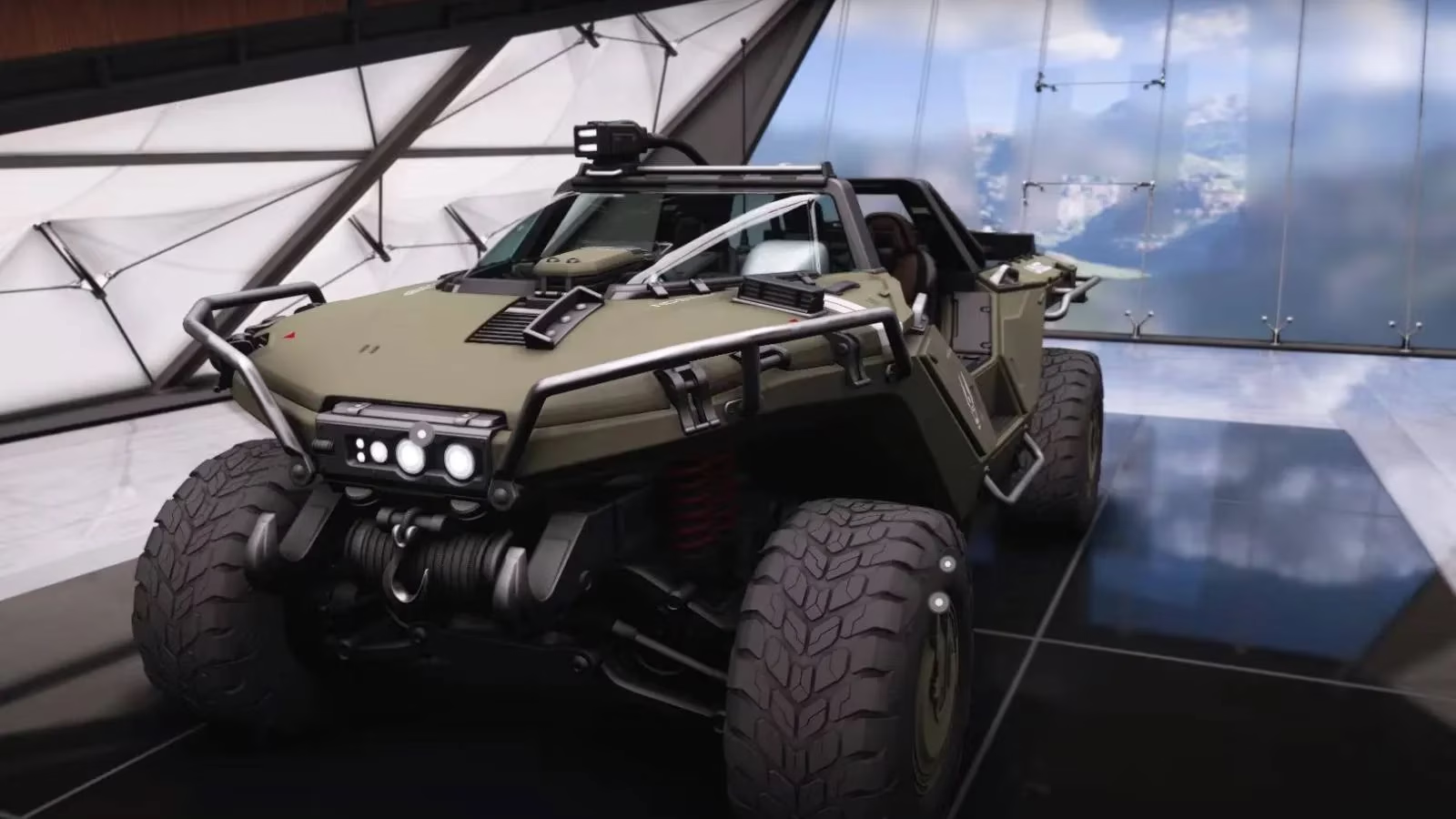
The control itself is almost laughably simple once you know it. On a standard controller, the magic happens with a firm press of the R3 stick (that’s the right stick, not a typo from a parallel universe). PC drivers, meanwhile, merely need to tap the H key—a mnemonic so straightforward it almost feels like the developers were winking at them. But hold your horsepower: if you’ve been fiddling with custom key bindings to perfect your manual-with-clutch technique, don’t be surprised if H does nothing except honk your frustration. A quick dig into the settings menu will reveal what key you’ve assigned to horn duties. And here’s a pro tip from 2026: some legendary horns, like the full Halo theme or both pitches of the Doom soundtrack, require you to keep the button held down to hear the entire glorious arrangement. Tapping it will only give you a pathetic half-note, and nobody wants to be known as the driver who can only honk a teaser.
Changing your horn is where the real symphony begins. Pause the game, navigate to the “Cars” tab, and select “Car Horn.” You’ll be greeted by a sprawling list of audio goodies, each with a padlock icon staring back at you like an exclusive club bouncer. The list ranges from mundane beeps to full-blown orchestral loops. Every horn can be previewed even when locked, so you can daydream about the day you’ll roll down the highway blaring the Windows XP shutdown sound while everyone else wonders if their game crashed. In 2026, the horn roster has grown substantially thanks to years of Festival Playlist updates and seasonal shenanigans. Some of the newer additions include cheeky nods to recent Xbox titles and even collaborations with music artists, though the classics still dominate the favorite lists.
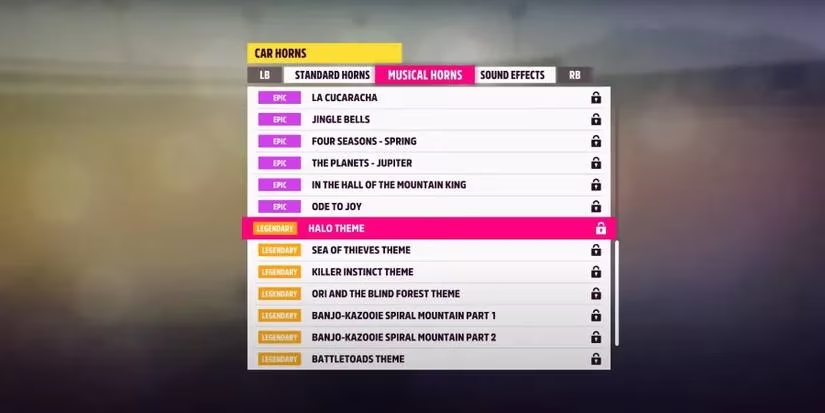
Collecting these audio treasures is a game in itself, and Playground Games has never been shy about making you work for the good stuff. Here’s a quick breakdown of where to find new horns as of 2026:
| Acquisition Method | Details | Rarity Impact |
|---|---|---|
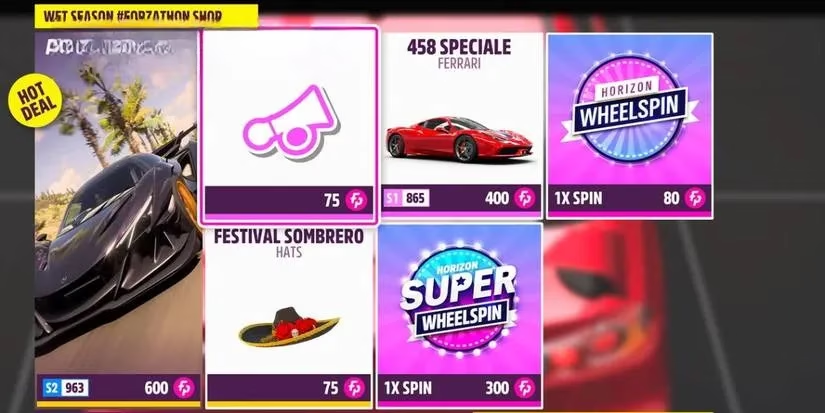
| Forzathon Shop | Stock rotates every week; costs Forzathon Points. Check back often because that Legendary horn you want might only appear once per season. | Common to Legendary, depending on price |
| Accolades & Achievements | Completing specific in-game challenges—some easy, some requiring you to win a street race in a stock Peel P50 during a sandstorm. You read that right. | Usually Rare or Epic |
| Festival Playlist Weekly Challenges | Each week, completing tasks across the playlists can reward exclusive horns. These often tie into current seasonal themes. | Varies, but often Epic or Legendary |
| Wheelspins & Super Wheelspins | The slot machine of doom and delight. You might land a Legendary horn, or you might get a pair of socks. Probability remains a cruel mistress. | Completely random—Common to Legendary |
The rarity system attached to each horn adds a layer of prestige. A “Common” horn can be obtained by virtually anyone within their first hour of play. “Rare” ones might require a dedicated week of grinding. “Epic” horns often mean you’ve survived some painful Accolade or got lucky with a wheelspin. And then there are the “Legendary” horns—the crown jewels. All video game theme songs, including the still-banging Doom tracks and the triumphant Halo chorus, are Legendary. In 2026, players who flaunt a Legendary horn in multiplayer lobbies are treated with a mix of envy and immediate requests for convoy formation, just so everyone else can hear it. The Doom theme, in particular, has two distinct pitches, which means two friends can synchronize their honks into a chaotic metal duet while waiting for the next race to start. It’s the kind of emergent joy that keeps the community buzzing half a decade after launch.
What makes the horn system so enduring is its sheer absurd versatility. Players use it to communicate in the game’s non-verbal dialect: a quick double-tap means “nice pass,” a long wail during free roam can signal “follow me to the next danger sign,” and a perfectly timed Teams notification horn in an online race often translates to “I’m about to miss a work meeting because of this race, and I regret nothing.” The sound design team clearly had fun with the roster, slipping in meme-worthy audio clips that age like fine fuel. Even after all these years, discovering a new horn you didn’t know existed still triggers the same childish giggle it did in 2021.
If you’re returning to the game in 2026 after a long break, your old horn collection is probably still intact, but the Forzathon Shop will look like a foreign bazaar of fresh auditory chaos. Don’t be surprised to see horns referencing recent global events, pop culture phenomena, or even player-community inside jokes. The weekly refresh is your best friend. Set a calendar reminder, hoard those Forzathon Points like a horn-obsessed dragon, and never let that Legendary padlock taunt you again.
And if all else fails, just remember: the horn button is still R3, or H on PC. Now go forth and honk like nobody’s listening—except everyone is.